Introduction: Why Unlock Notifications Matter
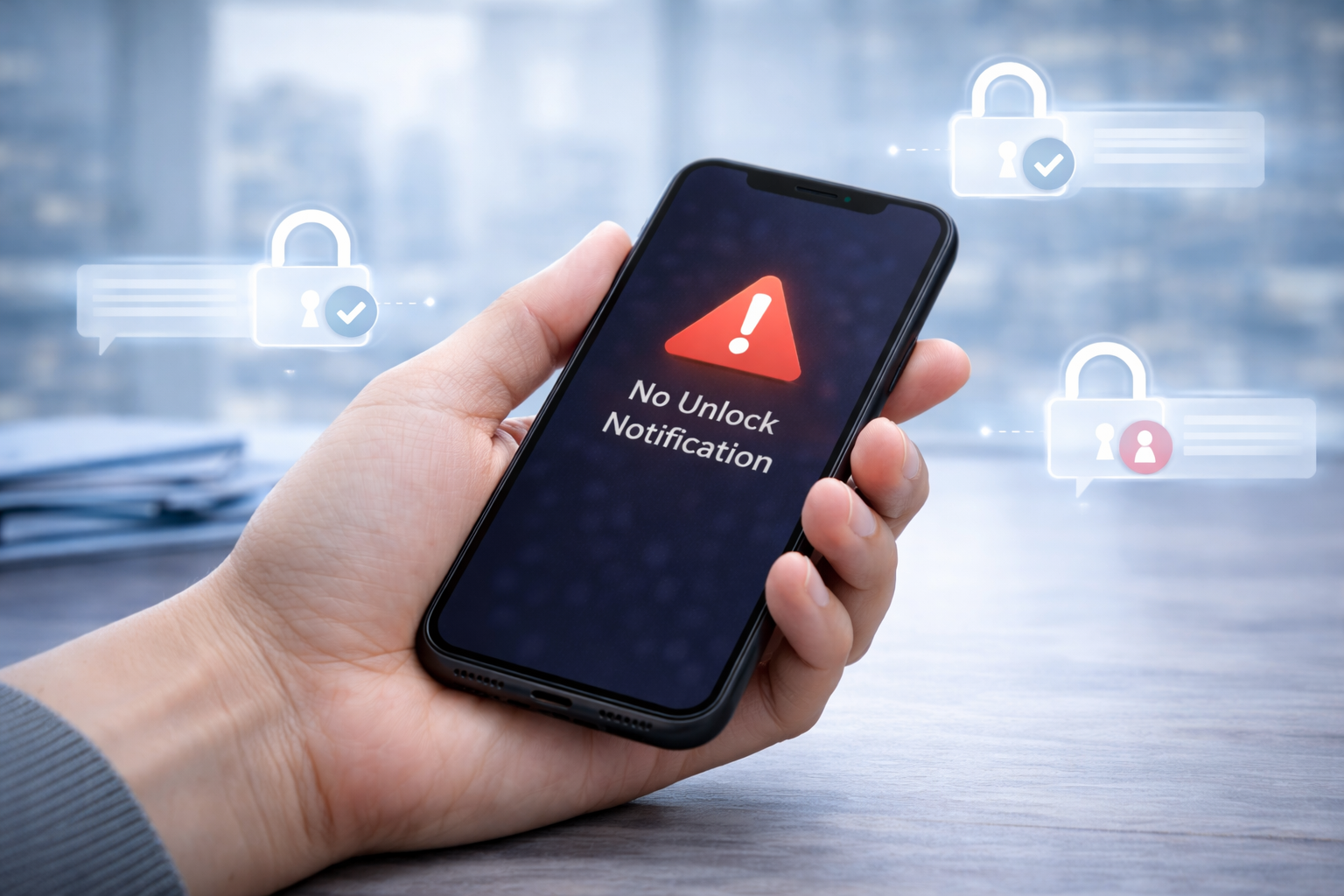
When you request a phone unlock, you usually expect a confirmation message telling you the process is complete. This notification often arrives as a system message, email, or carrier alert. However, many users encounter a frustrating situation: the unlock request seems approved, but the unlock notification is not received.
When this happens, the phone may still appear locked, even though the unlock request is in progress or already processed. Understanding why the notification fails and how to fix the issue can save time and prevent unnecessary delays.
This guide explains the most common causes of missing unlock notifications and provides practical step-by-step solutions that work in 2025.
Why Unlock Notifications Sometimes Fail
Unlock notifications rely on several systems working together. Carriers, device firmware, network connectivity, and server updates must all synchronize. If one step fails, the notification may never appear.
The good news is that most unlock notification issues are easy to resolve once you identify the cause.
Common Causes of Missing Unlock Notifications
Network Connectivity Issues
Your phone must connect to the carrier network to receive unlock updates. If the device is offline, using airplane mode, or connected only to Wi-Fi, the notification may not arrive.
Temporary signal interruptions can delay the message even if the unlock request has already been approved.
IMEI Processing Delays
Unlock requests rely on the phone’s IMEI number. Carriers update their databases when the request is approved.
Sometimes the update occurs, but the notification delivery lags behind. In these cases, the device may already be unlocked even though no confirmation message appears.
Carrier System Delays
Carriers process large volumes of unlock requests every day. During busy periods, database updates and notification messages may take longer than expected.
Some carriers also require manual verification before sending confirmation messages.
SIM Card or Profile Issues
An outdated SIM card or inactive profile may prevent the device from receiving carrier notifications. This situation occurs most often when users change SIM cards before the unlock completes.
Device Software Glitches
Occasionally, the phone’s operating system simply fails to display the message. Firmware updates, cached network settings, or notification restrictions may block the alert from appearing.
Step-by-Step Fixes When the Unlock Notification Is Not Received
Follow these steps in order to resolve the issue and confirm whether your device has been unlocked.
Step 1: Restart Your Phone
Start with the simplest fix. Restarting the device refreshes network connections and reloads system notifications.
After restarting:
- Wait a few minutes for the phone to reconnect to the network
- Check whether the unlock message appears automatically
In many cases, the notification arrives shortly after the reboot.
Step 2: Check Network Connection
Ensure the phone connects to the carrier network properly.
To do this:
- Disable airplane mode if enabled
- Confirm mobile signal strength
- Toggle mobile data off and back on
If the phone reconnects successfully, the unlock update may download automatically.
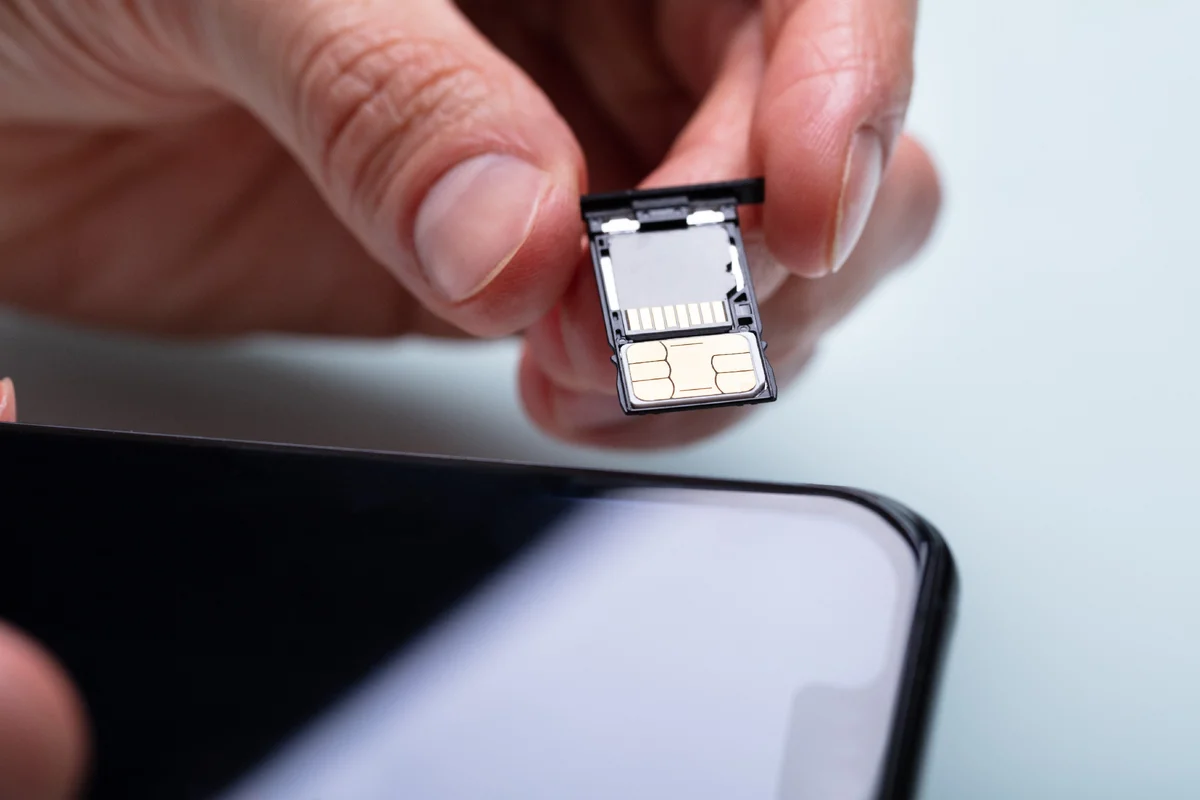
Step 3: Insert a Different SIM Card
Testing with another carrier SIM is one of the fastest ways to confirm unlock status.
Steps:
- Power off the phone
- Insert a SIM card from another carrier
- Turn the device back on
If the device connects to the new network, the phone is already unlocked—even if the notification never appeared.
Step 4: Refresh Network Settings
Network configuration errors can prevent unlock updates from registering. Resetting the network settings often resolves the issue.
Typical steps include:
- Open device settings
- Navigate to network or connectivity options
- Select “Reset network settings”
After the reset, reconnect to the network and test the SIM again.
Step 5: Check Unlock Status in Device Settings
Some devices display unlock status directly within system settings.
Examples:
- iPhone: Settings → General → About → Carrier Lock
- Android: Network settings or SIM status section
If the device shows “No SIM restrictions” or similar wording, the unlock completed successfully.
Step 6: Wait for Carrier Processing
If the unlock request remains pending, it may simply require more time.
Carrier processing can take anywhere from several hours to several days depending on verification requirements. During this time, notifications may arrive unexpectedly once the request finishes.
When to Escalate to Support
If you have followed the steps above and the phone still will not unlock, it may be time to escalate the issue.
Contact support if:
- The unlock request shows approved but the device remains locked
- The notification has not arrived after several days
- The phone displays “SIM not supported” even with another carrier
A support team can verify the IMEI status and confirm whether the unlock has been processed correctly.
Preventing Unlock Notification Issues in the Future
Although unlock notifications sometimes fail, a few best practices reduce the likelihood of delays.
Keep the Original SIM Installed
Maintaining the original SIM card during the unlock process helps ensure the phone receives the notification properly.
Avoid Frequent SIM Swapping
Switching SIM cards repeatedly before the unlock completes may interfere with the update process.
Ensure Device Software Is Up to Date
Keeping your phone updated ensures compatibility with carrier unlocking systems.
Use Reliable Unlock Services
Professional unlocking services coordinate directly with carrier databases, reducing delays and notification issues.
Conclusion: Unlock Your Phone Without Delays
When the unlock notification is not received, it does not always mean the process failed. In many cases, the unlock simply completed without the device displaying the confirmation message.
By checking network connections, testing with another SIM card, and verifying device settings, most users can confirm the unlock quickly.
Our unlocking service focuses on reliability and transparency. By processing unlock requests directly through verified channels, we help users avoid delays and notification issues altogether.
If your phone still refuses to unlock or you want a faster and more predictable solution, contact us today and let our team handle the process with confidence.